Showing posts with label week 2 flashlight. Show all posts

Tuesday, April 8, 2014

Joel Salomonsson: Week 2 LED Flashlight


Render 1

Render 2

Render 3

Render 4

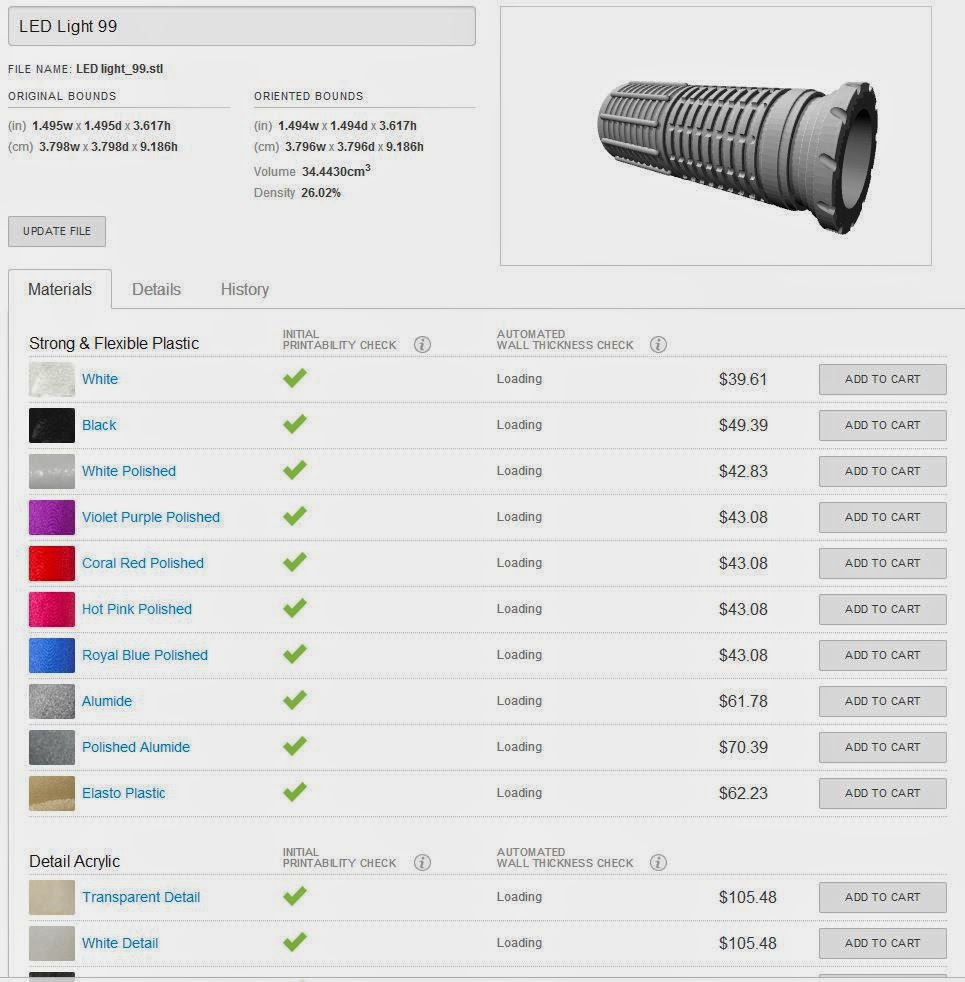
Ghosted Image

Shapeways


The inspiration for my design is the lightsabers in Star Wars. I thought that it would play nice with the LED flash light. 

I used the curve template that was available and started modifying the curve to the way I wanted it. I used curves and curveBoolean to get the main shape as well as the fillet tool to get rid of the sharp edges. when I was satisfied with the curve i used revolve to get the finished polysurface of the flashlight. I then added Pipes with rounded caps to the bottom of the flashlight and the copied them and moved the a little bit above and used BooleanDifference to get an interesting contrast. On the top I used the same BooleanDifference technique but I rotated the Pipes in different directions to get more of an interesting shape. I then added a light switch to the side to add to the lightsaber design. 

I chosed to have gold and silver as materials because if you have a lightsaber you do not want it to look cheep. You want to make a statement when you slice other peoples arms off. 


Tuesday, October 1, 2013

Matthew Grello: week 2 flashlight

Ghosted
rendered "Off"
detail "off"
Rendered "on"

detail two figure
flashlight-off

flashlight-on


My flashlight was inspired and modeled after an M84 stun grenade. I wanted my flash light to have somewhat of a sense of humor, so I designed the light to be held in a "throwing" position. In order to attain the shaped I have for the grande, I had to take advantage of the boolean, extrusion, project, join, and array tools to manipulate the model to my liking. In keyshot, I used the steel textures for my flashlight, do in part to the fact that the material of the object I was replicating is made from. I than assigned the "emissive" material for the lighting fixture. 

Monday, September 30, 2013

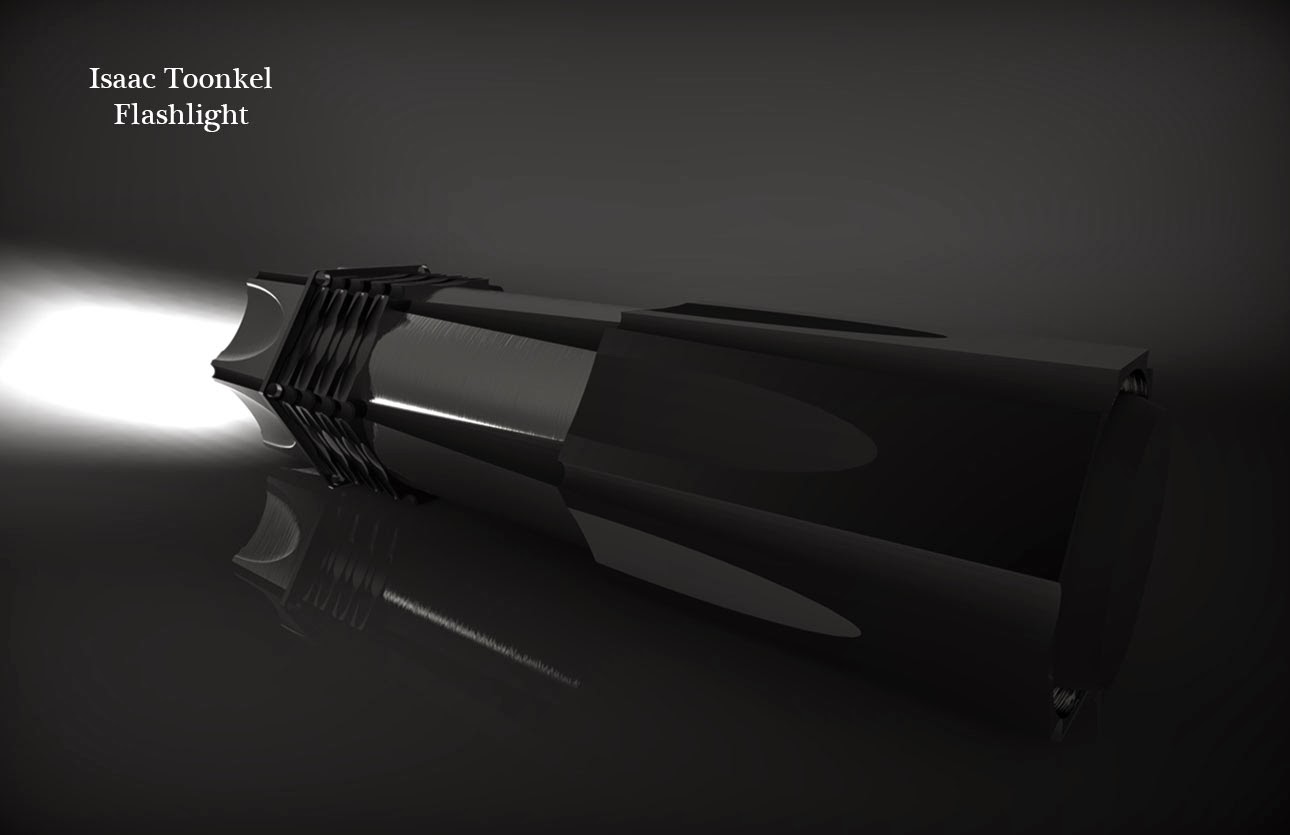
Isaac Toonkel: Week 2 Flashlight


 Rendered Flashlight 1


 Rendered Flashlight 2

Ghosted Flashlight Edges and Layers


3D model off


3D model on

For my flashlight, I wanted it to have a tactical feel to it. Not only does this style of flashlight look cool due to all of its angular forms, but is incredibly durable and bright. To create this flashlight I primarily used polar array and boolean difference. Because this flash light is intended to be durable, it is constructed out of stainless steel. It features a hexagon shaped body so it doesn't role away as well as several holes to attach it to a lanyard. 


Wednesday, September 25, 2013

Eris Muller: Week 2 Ciya


3D printed with yellow and black paint
Flashlight with light turned on


               Since I have a flashlight key chain, it influenced me to design one that was both aesthetically pleasing and had a nice feel to the handle. I imagined what the light might feel like in ones hand and applied it. I learned quite a lot from the first project, for example the rotating 3D and 2D helped me accomplish the metal chain at the end which effectively portrays the effect of gravity on it. I used the tempting turquoise material for the green of the body, aluminum for the details, and xray medical for the label of the key chain with my name on it. I saw past key chains with a sort of semi-see through colored plastic and decided to use it. Finally I choose the wooden table background
 to show the professionalism of my design. 

ErisMuller Fall2013 ELDS205 FLASHLIGHT